
Document scanner / Capture & export
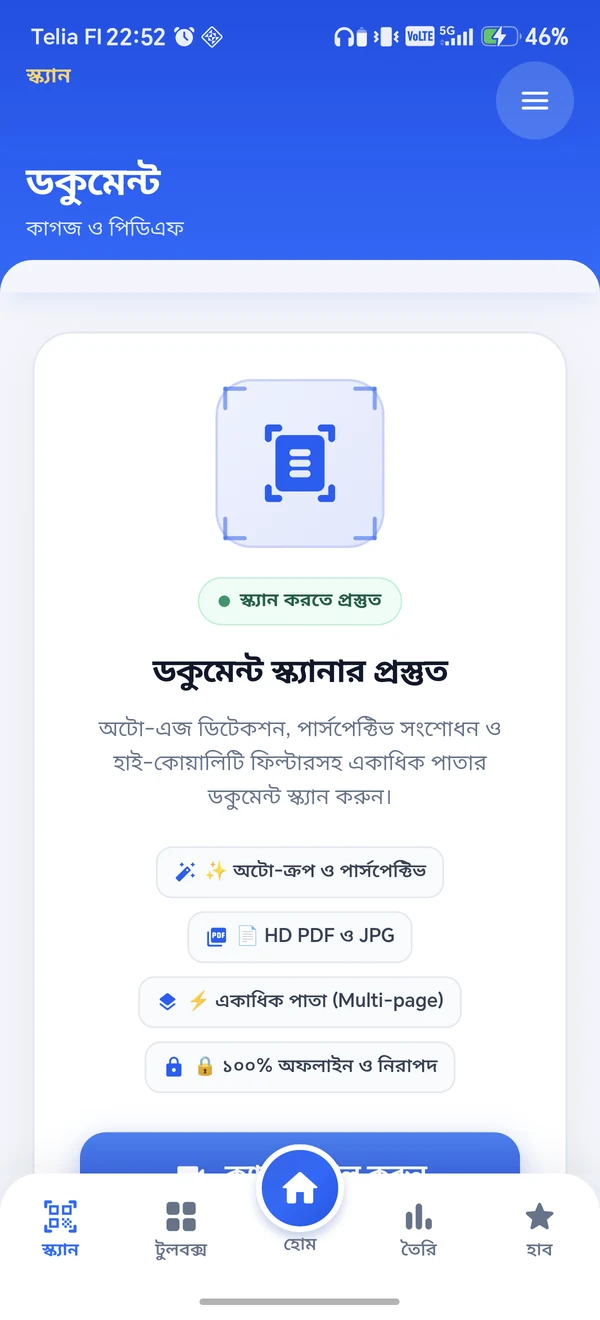
Actual Android capture · Bangla interface
 InfiniteIT
 InfiniteScan
Documents · OCR · QR & barcodes
From a paper document to printed Bangla text or a QR code. Capture it, make it useful, and keep moving—all in one Android app.
The product film
Real Android screens, dimensional phone scenes and an original instrumental. Thirty seconds of InfiniteScan, from documents and printed English & Bangla OCR to QR codes and barcodes.
InfiniteScan. Paper. Text. Codes. Your everyday universal scanner. Capture, crop and organise documents, then export a PDF. Read, review and reuse printed English and Bangla text. Scan QR codes and barcodes from the camera or a photo, and keep selected results in History. One app, many useful scans. No sign-in required. An Android app by Infinite IT, currently in testing.
01 / Inside InfiniteScan
Explore the real app interface, from document capture to text extraction and code scanning. Choose a feature to see its screen.
Actual Android capture · Bangla interface
Actual Android capture · Camera & gallery input
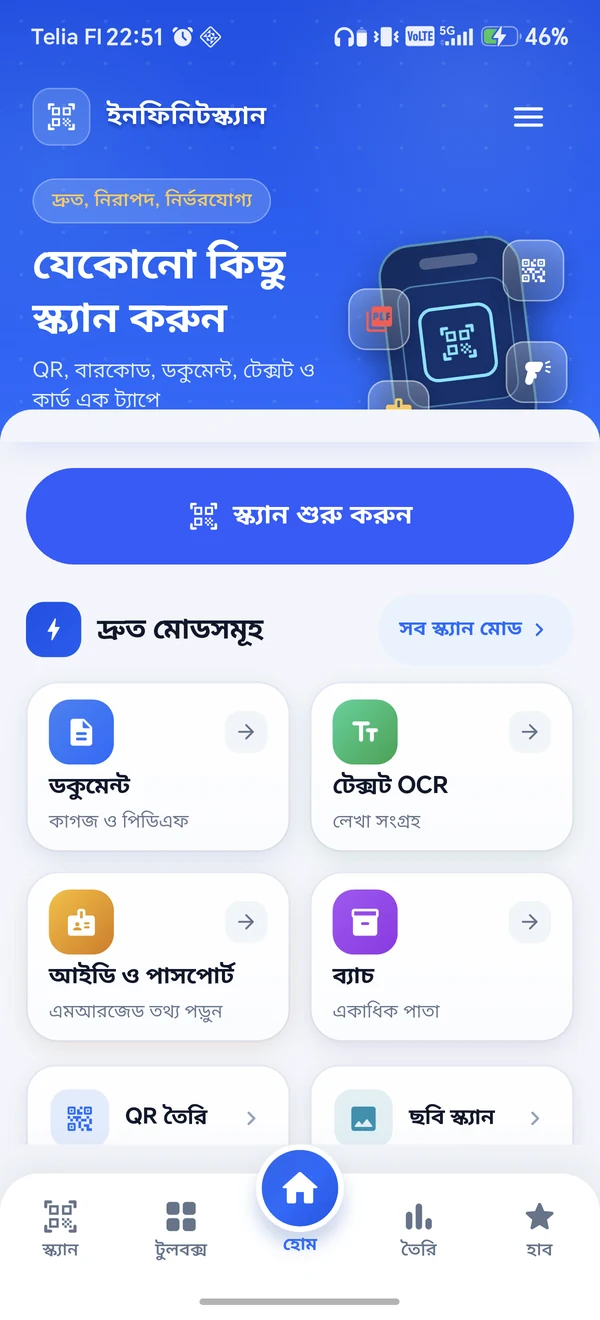
Actual Android capture · Main scan shortcuts
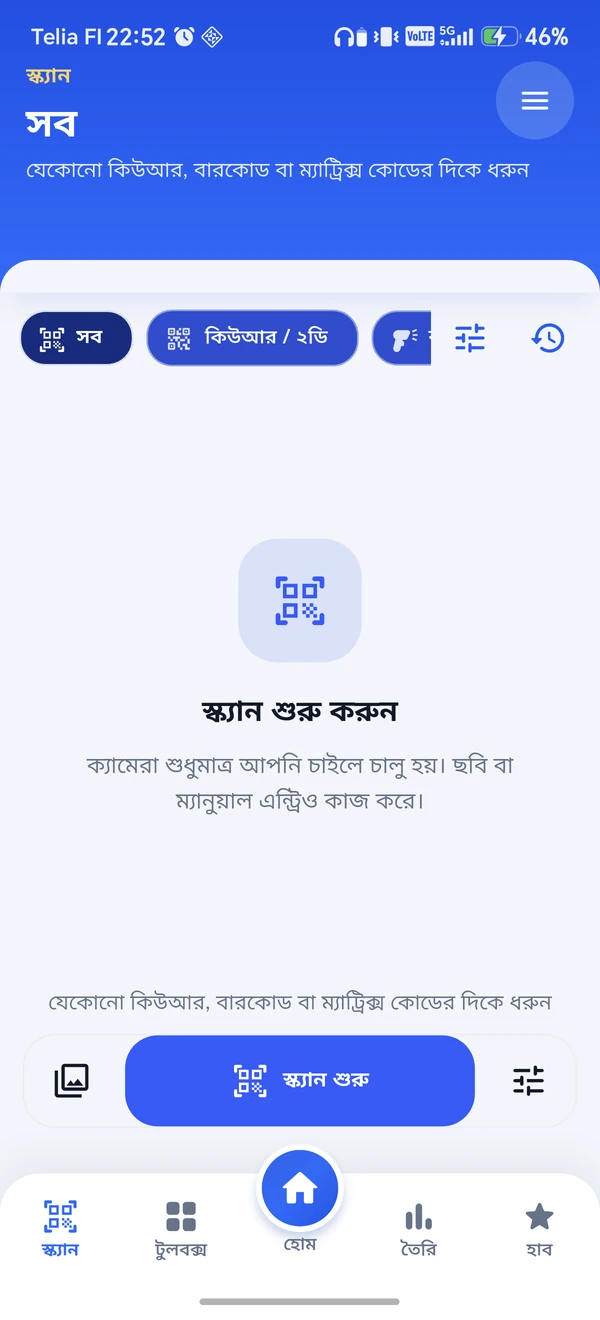
Actual Android capture · Code-scanning tools
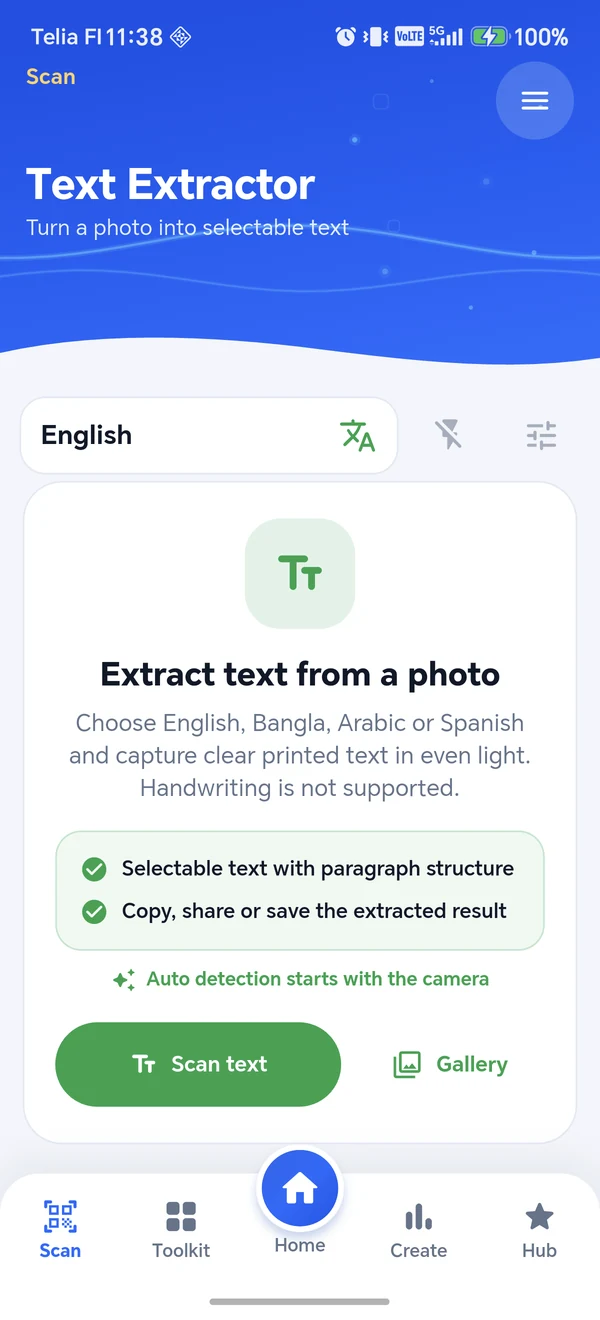
Printed text OCR · Two languages in focus
02 / Words you can work with
Extract printed English and Bangla from a camera capture or gallery image. Review the text, correct what needs attention, then copy, share or save it.
Designed for printed text. Results depend on focus, lighting and page layout; review before use. Handwriting is not supported.
03 / Paper to practical
Keep a receipt, assemble a multi-page document, or make printed information easier to find again.
Scan with the camera or bring in gallery images. Crop edges, adjust the page and choose a cleanup filter.
Review each page, reorder a multi-page scan, remove extras or retake a page before export.
Create a PDF. Add OCR to include a searchable text layer, then explicitly save the document to local History.
No account is required. Code decoding and bundled OCR run on the device. Documents stay temporary unless you choose to save them; saved pages and text remain in app-private local storage.
Read the app privacy policy ↗The screens shown are real Android captures. Document scanning needs Google Play Services setup. Optional lookups and ads use a connection; connected OCR remains in development.
See capabilities & testing information ↗An Infinite IT product
Have a question about InfiniteScan, testing access, or building a mobile product of your own?
Talk to Infinite IT